
Correspondence and Email Capture Released 📜✍️📌
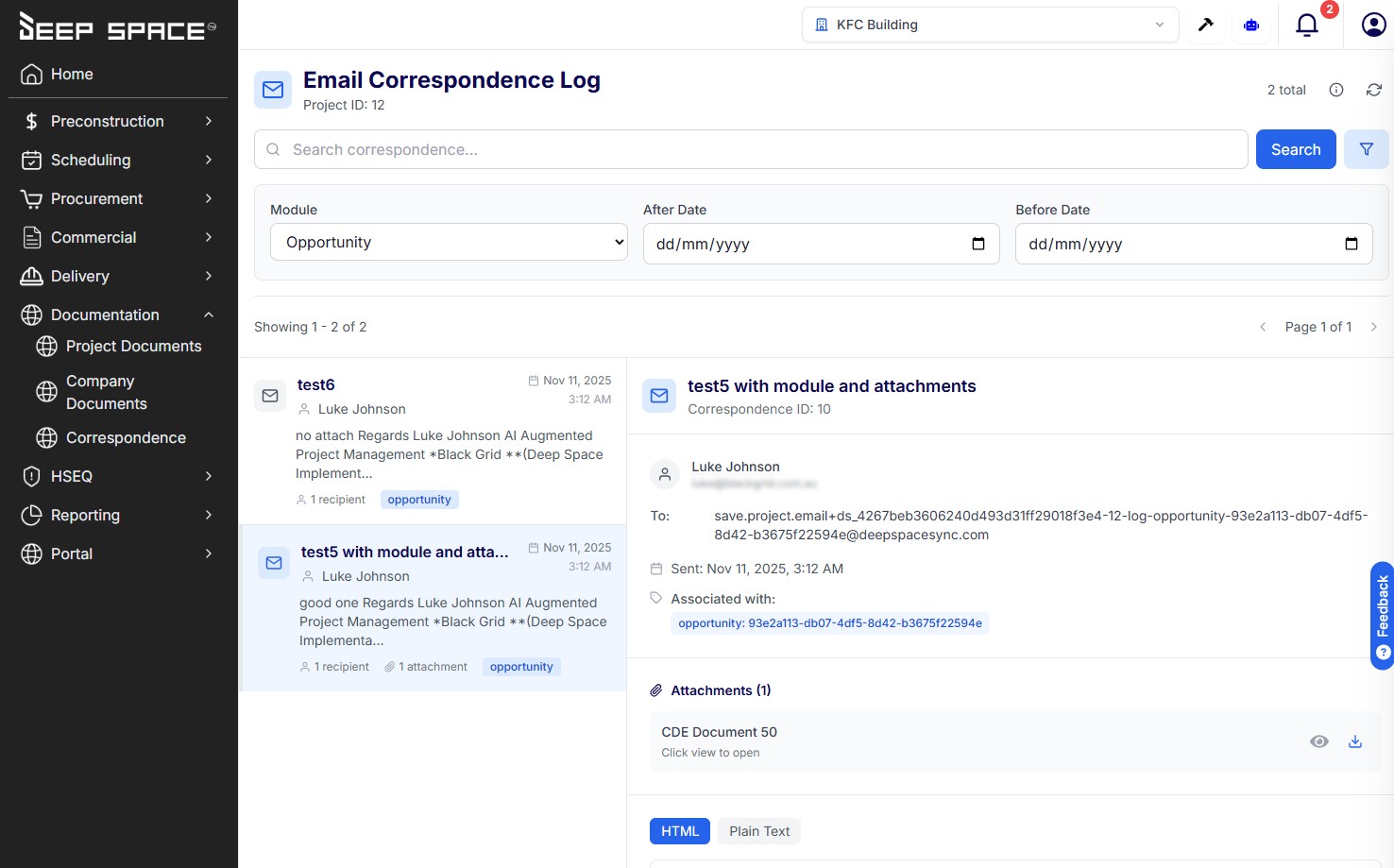
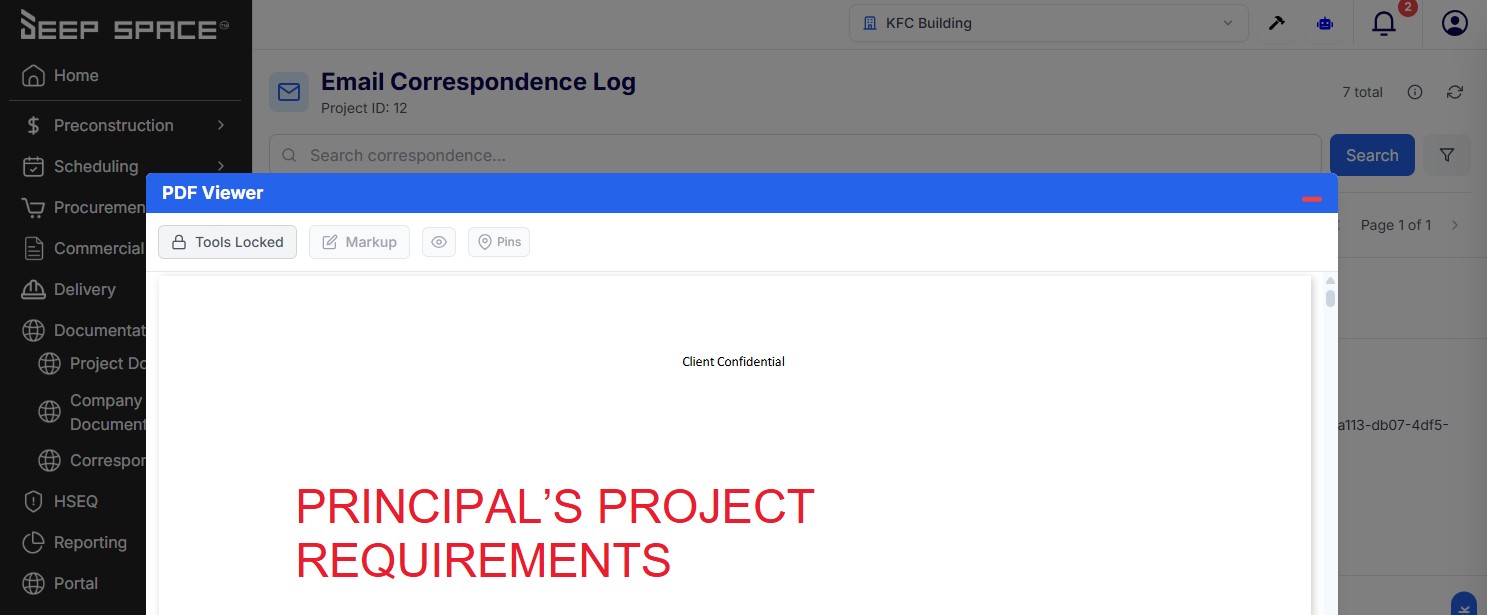
Introducing Email Correspondence Logging Never lose track of important project emails again. We've launched a powerful new feature that automatically captures and organizes all your project-related correspondence in one central location. What You Can Do Now Log Emails Automatically Simply forward emails to a special address and they're instantly captured in Deep Space. No manual copying, no scattered inboxes, no lost conversations. View Everything in One Place Access all your logged correspondence from a clean, searchable interface. See emails organized by project, opportunity, client, or action - with full message history, attachments, and context at your fingertips. Search and Filter with Ease Find exactly what you need with full-text search, date filters, and module-specific views. Looking for all emails related to a specific opportunity? One click shows you everything. Access Attachments Instantly View PDFs and documents right in the app with full markup capabilities. Highlight, annotate, and collaborate on correspondence attachments just like you do with project documents. Link to Specific Entities Associate emails with opportunities, clients, or actions so they appear exactly where you need them - whether that's in the standalone Correspondence page or directly in your Opportunity modal. Why We Built This Construction projects involve constant communication - client inquiries, contractor updates, approval confirmations, change orders. These conversations often happen over email, but valuable information gets trapped in individual inboxes or lost in thread after thread. We built Correspondence Logging to solve the "where did that email go?" problem. By automatically capturing project-related emails and organizing them alongside your other project data, we're ensuring critical information never falls through the cracks. Now your entire team can see the full communication history for any project, opportunity, or client - without digging through email folders or asking "who has that message?" The context you need is always there, searchable, and linked to the work it relates to. Get Started Ready to start logging correspondence? Check the info panel on the Correspondence page for your unique email addresses. Forward any project-related email to these addresses and watch them appear instantly in your project workspace. Status: Live and Ready to Use Email logging is now available in your workspace. Start forwarding emails today and experience the difference of having all your project correspondence in one organized, searchable place.
How do you feel about this update?